Open topic with navigation
Entering Line Items
- In the Description area of the Invoice form, on a blank line, start entering details of the product /service you are charging or crediting for.
- Provide all mandatory details (yellow fields) and relevant optional details (white fields). For a detailed description of the fields in this area, refer to Line Item Fields, page 1.
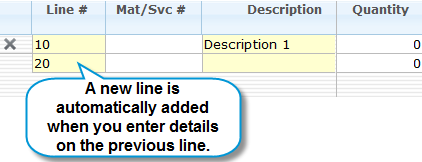
- When you start entering details on the previous Line Item, a new blank line is added to the Invoice. Use this line to add another Line Item.